By Mike "Jabs" JaballahFounder and Director. Location Sound Recordist.
The equipment you need for a podcast is a microphone for every person talking, a recorder or audio interface to capture them, headphones for everyone and a room that doesn't echo. Add editing software and a podcast host and you can publish. Cameras only come in if you're filming it.
You don't have to buy any of it to start. Hire a kit and record a pilot, or book a studio where it's already set up.
Every piece of podcast equipment, and whether you need it
A podcast needs eight things before you can publish: a mic per person, a recorder or interface, headphones, mic stands, cables, a quiet room, editing software and a podcast host. A pop filter helps. Cameras and lights only matter if you're filming.
| Equipment | What it does | Need it? |
|---|---|---|
| Microphone, one per person | Captures each voice on its own | Yes |
| Recorder or audio interface | Powers the mics, boosts them and turns them into files | Yes |
| Headphones, one pair per person | Lets everyone hear what the mic hears | Yes |
| Boom arm or desk stand | Holds the mic at the same distance all episode | Yes |
| XLR cables | Connect XLR mics to the recorder | Yes, for XLR mics |
| A quiet, soft room | Keeps echo and outside noise off the recording | Yes |
| Editing software | Cuts, cleans and levels the episode | Yes |
| Podcast host | Stores the episodes and sends the show to Apple Podcasts and Spotify | Yes, to publish |
| Pop filter or foam windscreen | Softens P and B pops | Helps |
| Cameras and lights | Turns it into a video podcast | Only for video |
What do beginners actually need?
Beginners need less podcasting equipment than the gear forums suggest. One decent microphone per person, placed close to the mouth in a quiet room, beats an expensive setup in a bad room every time. Spend on the mic and the room first. Leave cameras, lights and mixers until the show has a few episodes out.
If you're still testing the idea, don't buy anything yet. Hire a kit, record two or three episodes and find out what you actually use. Then buy that.
Which microphone should you use?
A dynamic microphone is the right choice for most podcasts, because it hears the voice right in front of it and much less of the room around it. The Shure SM7B is the standard. It's the mic every person gets in the Creative Kicks podcast studio in Footscray, and it's the one we'd put in a home setup too.
The catch with the SM7B is gain. Shure says the SM7B likes around +60 dB of clean gain, and plenty of budget interfaces run out before that. Use a recorder with strong preamps, or put an inline booster like the Cloudlifter CL-1 between the mic and the interface. Our guide to the best podcast microphone compares the SM7B with the alternatives.
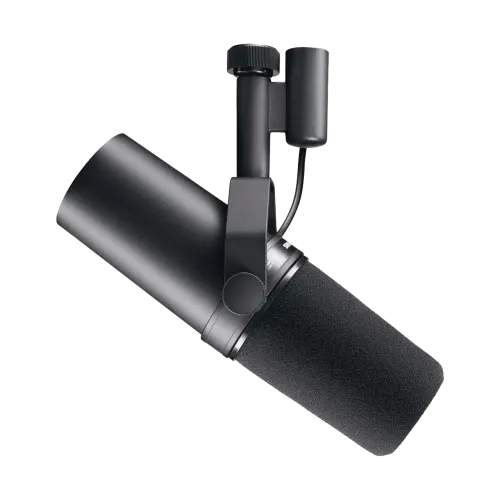 Shure SM7B
The broadcast dynamic mic. Forgiving in untreated rooms.
Hire it
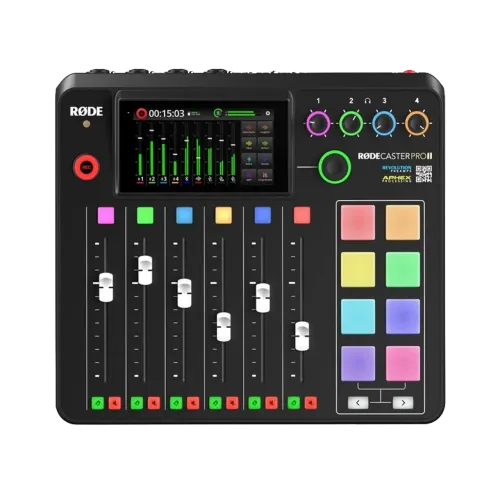 RODECaster Pro II
Mixer and recorder in one box. Four mics, four headphones.
Hire it
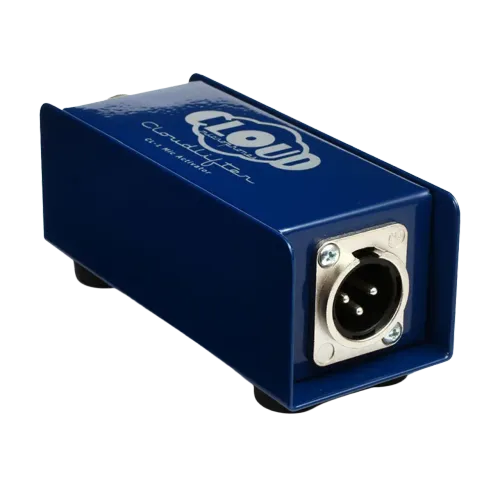 Cloudlifter CL-1
Clean gain for an SM7B on an interface that runs out.
Hire it
Do you need a mixer or an audio interface?
Every podcast with XLR mics needs either an audio interface or a standalone podcast recorder, because XLR microphones can't plug straight into a laptop. An interface feeds the mics into recording software on your computer. A podcast recorder like the RODECaster Pro II records the whole show itself, no laptop needed.
For two to four people in one room, a podcast recorder is the simpler option. RODE lists four combo inputs, four headphone outputs and a microSD slot on the RODECaster Pro II, so a host and three guests fit in one box. More than four people talking is a job for a bigger desk, or a studio.
What's the right setup for one, two or four people?
A good podcast setup scales with the number of people talking. Every extra voice needs its own mic, its own stand and its own headphones, and the recorder needs a free input for each one. Here's what we'd pack for the three most common formats.
| Setup | Mics | Recording | Headphones | Also pack |
|---|---|---|---|---|
| Solo | 1 x Shure SM7B | Interface into a laptop, or a RODECaster Pro II | 1 pair | Boom arm, XLR cable, a booster if the interface is light on gain |
| Two hosts | 2 x Shure SM7B | RODECaster Pro II | 2 pairs | 2 boom arms, 2 XLR cables |
| Host and up to three guests | 4 x Shure SM7B | RODECaster Pro II, which tops out at four mics | 4 pairs | 4 boom arms or desk stands, 4 XLR cables |
| Video podcast | As above | As above | As above | Cameras, such as the Blackmagic Pocket 4K |
A video podcast needs one camera for every angle you want to cut to, on top of the audio kit. Hire a Blackmagic Pocket Cinema Camera 4K as an add-on, or book the studio, which runs three Blackmagic Cinema Cameras.
- 2 x Shure SM7B
- 2 x RODE PSA1 boom arm
- RODECaster Pro II
- 2 x Audio Technica ATH-M50x
- 2 x XLR cables
- Something soft for the room. A rug and a couple of doonas will do
- Blackmagic Pocket 4K, if you're filming
Or skip the list. Our podcast equipment hire package books the kit in one go. Check the package page for exactly what's in it.
Should you buy, hire or book a studio?
Buying podcast equipment makes sense once you're recording every week and your format is locked in. Hiring makes sense for a pilot, a short series or a recording on location. Booking a studio makes sense when you want video, or you'd rather talk than run the gear.
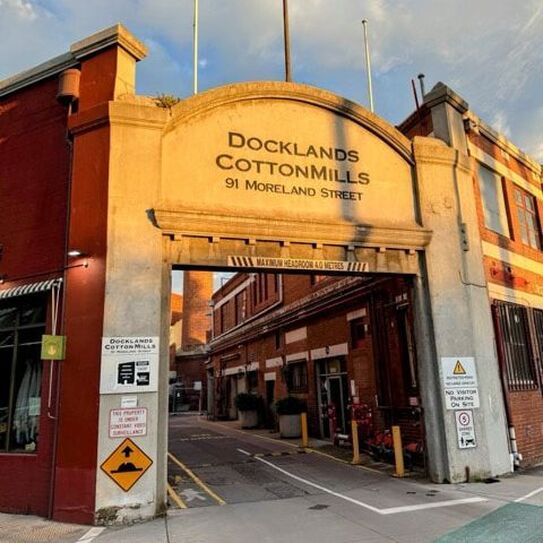
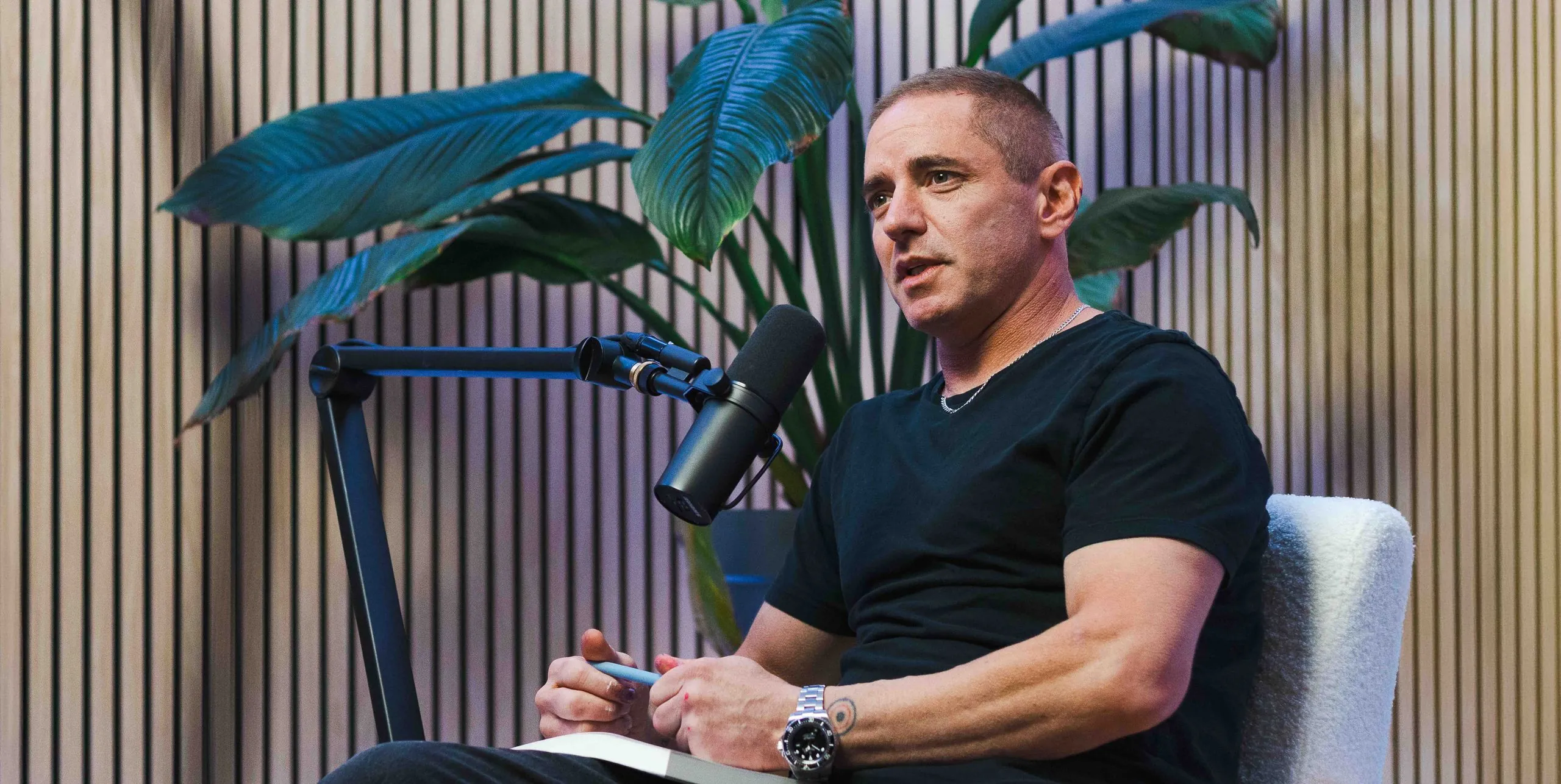
The Creative Kicks podcast studio at The Cotton Mills in Footscray is acoustically treated, puts an SM7B in front of every person, runs three Blackmagic Cinema Cameras and has an operator on the desk. Synced files land within 24 hours. Remote guests can join the same session, and if you can't get to Footscray, the same gear and operators can set up at your office or venue. Most clients book one to three hours, depending on the format and how many episodes they're recording.
Gear only leaves the studio once payment, booking approval, an ID and address check, a bond or card hold and the hire terms are all done. Bring the original photo ID from your booking. The full list is on the pickup, return and delivery page.
Questions we get asked
Can I use a USB microphone for a podcast?
Yes, for a solo show recorded straight into a laptop. Once two or more people are talking, XLR mics into one recorder are easier, because every voice lands on its own track in one device.
Do I need to soundproof a room to record a podcast?
No. Soundproofing keeps outside noise out of a room and costs serious money. A podcast needs treatment, which means soft surfaces that stop your voice bouncing around. Rugs, curtains, couches and full bookshelves do most of the work. Avoid glass walls and hard floors.
How does podcast equipment hire work at Creative Kicks?
Book online, then collect from Footscray or book Melbourne metro delivery. Most gear can be collected after 3pm the day before and returned by 10am the day after, charged at the one day rate. The window is confirmed when you book.
How do you record a podcast without equipment?
Use the phones already in your pockets. Give each person their own phone, prop it a hand's width from their mouth, record in the smallest and softest room you've got, then line the files up in the edit. It won't pass for a studio, but it's enough to test a format.
What software do you need to edit a podcast?
An editor to cut and level the episode, and a podcast host to publish it. Audacity is a free editor for Mac, Windows and Linux. Before you export, aim for the loudness Apple recommends: around -16 LKFS overall, with true peak no higher than -1 dBFS.
Grab the whole kit
Tell us how many people are talking and whether you're filming. We'll point you at the right package and check your dates.